Accessibility
My approach
Accessibility isn’t just compliance. It’s about making information work for everyone.
Accessibility is often treated as a technical afterthought – something applied at the end of a project to meet a requirement. In practice, meaningful accessibility is simply good design.
It’s about structure, clarity and usability. When accessibility is considered properly, documents and environments become easier to read, easier to navigate, and easier to use for everyone – not just people using assistive technology.
Starting with accessibility is always best. But most organisations already have large volumes of existing content. I support teams by auditing and remediating existing PDFs and documents to improve usability and meet accessibility standards.
Accessibility isn’t an add-on – it’s part of good design.
Pillar One – Standards
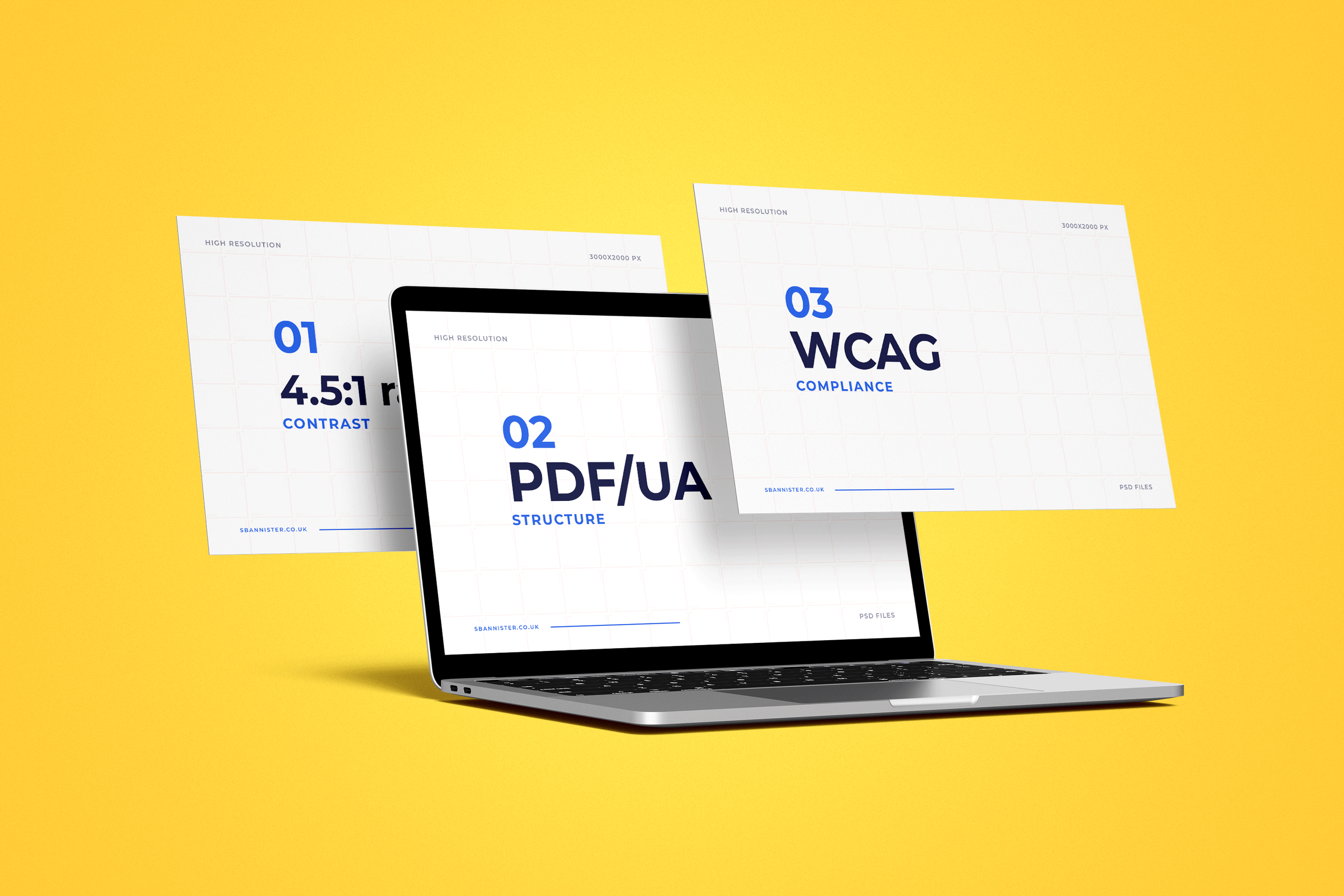
Accessibility standards such as WCAG and PDF/UA provide an essential framework – but compliance alone doesn’t guarantee usability.
I use standards to guide design decisions around:
Logical reading order
Clear heading hierarchy and navigation
Accessible colour contrast and typography
Proper use of lists, tables and semantics
Meaningful labels and interactive elements
This ensures documents don’t just meet standards, but work consistently across devices and assistive technologies.
Accessibility is considered from the outset – built into the structure, not added at the end – resulting in clearer, more usable communication for everyone.
Pillar Two – Building Accessible Documents
Accessible documents are shaped through considered design and deliberate structure.
This means applying the fundamentals that make content clear, navigable and usable in practice:
Logical heading hierarchies
Predictable reading order
Clearly defined lists and tables
Consistent layout and spacing
Thoughtful use of typography and colour
I work across both new and existing content, supporting:
Accessibility from the outset
Retrofitting and remediation
Creation of accessible templates
Improvements to document workflows
When built properly, documents are easier to use, easier to maintain, and far less reliant on later fixes.
Pillar Three – Testing and Real‑World Use
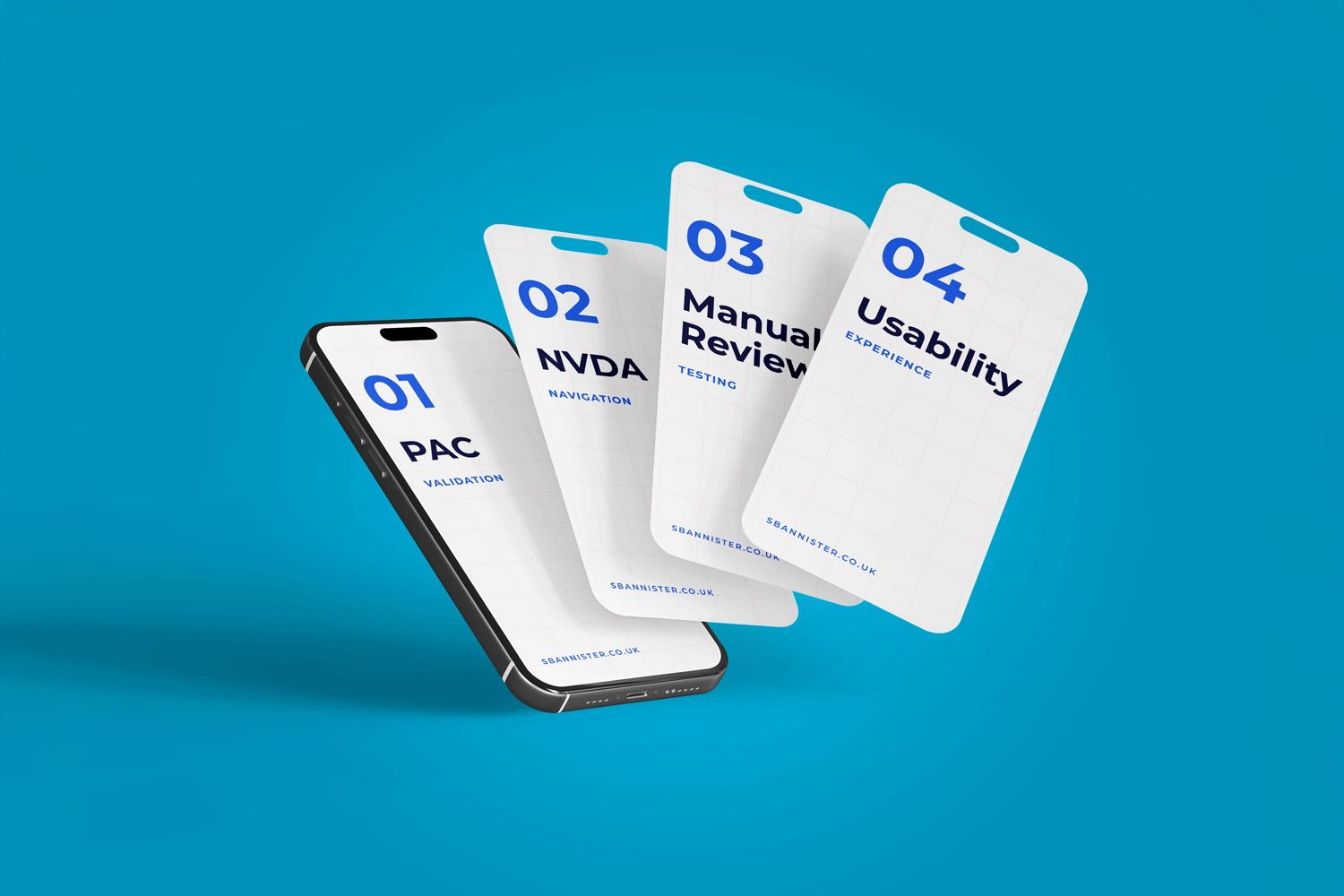
Accessibility only works when it’s tested in real conditions.
Automated tools are useful, but they don’t show how a document behaves for someone navigating it. Testing reveals how content is experienced – not just how it scores.
It helps identify issues such as:
Confusing or broken reading order
Missing or unclear labels
Navigation barriers
Repeated or skipped content
Structural issues not visible on screen
Typical workflow:
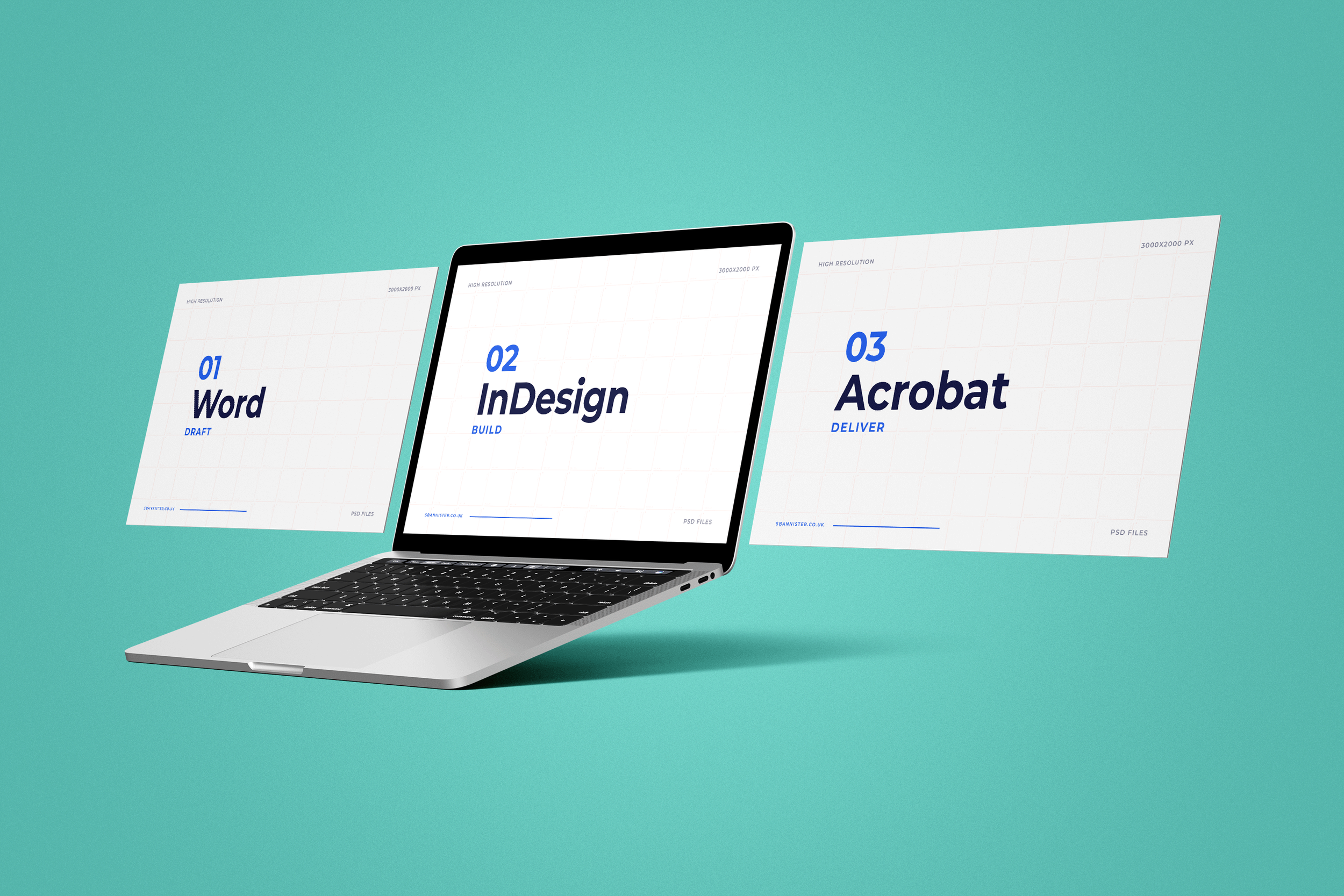
Word → InDesign → PDF → Acrobat → PAC → NVDA
Testing turns technical compliance into practical usability – ensuring documents function clearly across assistive technologies.
Want to chat?
Accessibility doesn’t have to be complicated.
Whether you're starting something new or improving existing documents, I can help make your information clearer, more usable and more inclusive.
If you're not sure where to start, that's completely fine – we can begin with a conversation.
Let’s make your documents work better for everyone.
→ Get in touch
“Steven's design work and logo have been genuinely transformative for my business. It's provided a much more professional appearance to my website, optimised our digital marketing and given us a clear brand identity. Steven was a pleasure to work with and I was delighted with the results, highly recommended!”
– Tom Groom, RunningPhysio